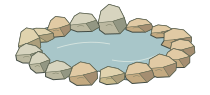
Pond rocks
Natural rock arrangements
Buff sandstone, York stone, limestone and random stone, including rounder boulders.
Pond rocks, wall coping, pier caps and cornerstones for buildings and landscapes. Select an area, choose your material and preview the arrangement.
For desktop SketchUp · designed for buildings and landscapes.
Practical material choices, with editable dimensions and jointing where applicable.
Natural rock arrangements
Buff sandstone, York stone, limestone and random stone, including rounder boulders.
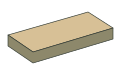
Natural stone
Wall-top caps with editable dimensions, finish and pointing.
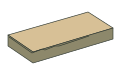
Raj · Kandla Grey · Autumn Brown
Natural colour variation and fettled edges.
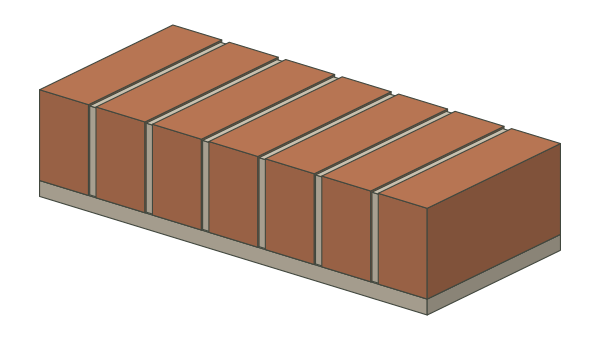
Rowlock and other profiles
Brick colour, dimensions, orientation and joint controls.
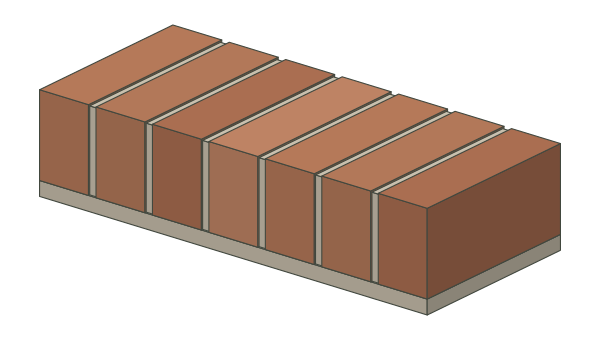
Weathered brickwork
Reclaimed finishes with editable sizes and mortar.
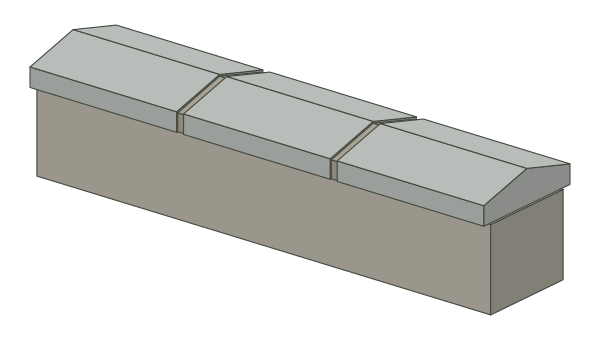
Twice-weathered
Shaped coping with separate pointing and editable dimensions.
Natural upright stones
Irregular stones for traditional wall tops.

Alternating heights
Taller and shorter stones across the wall top.
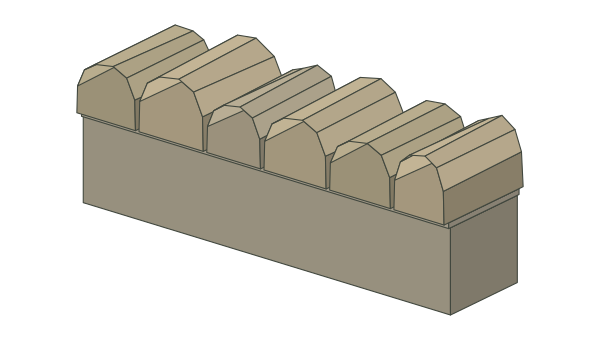
Rounded wall top
Rounded stones for traditional wall details.
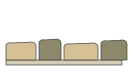
Stone and pointing
Natural shaped stones with jointing between them.
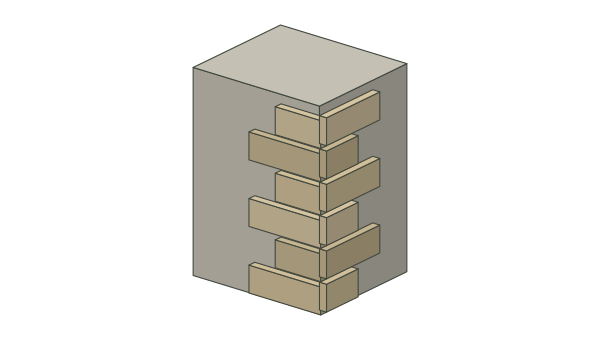
Building corners
Random stone, buff or red sandstone, limestone, Natural Slate and York stone.
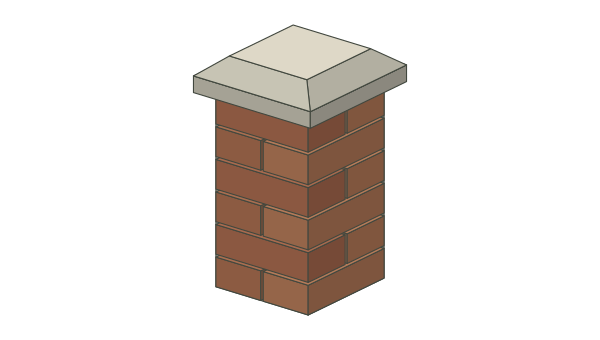
Flat · weathered · chamfered · fluted
Five cap styles for piers and pillars with editable dimensions and overhang.
Choose a level pond ledge, coping centreline, connected level wall top or external corner edge.
Use illustrated product cards. Adjust dimensions, material and pointing colour, including lime mortar.
Check the preview, quantities and estimated weight. Create a grouped arrangement and reopen it to edit.
In Stone Placer, choose Quoins / Cornerstones and select the vertical edge of a square external corner. Set the long and short returns, course height, stone depth and material. Preview the alternating courses, then create the grouped stonework. Select the saved group to change it later.
For wall caps and coping, select a level wall top or centreline. The plugin includes curved runs and mitred corners; test the result on your model before relying on quantities.
Stone Placer installation and workflow£29 + VAT · one-time, single-seat licence.
Create and edit grouped arrangements. Included materials appear in SketchUp’s In Model collection.
Buy Stone Placer — £29 + VATNo. Stone Placer requires desktop SketchUp with Ruby extension support; it does not run on iPad or SketchUp Web.
Materials used by created stones are added to the model and can be found in Materials → In Model.
Yes. Brick choices include brick red, brick buff, Staffordshire Blue and charcoal. Indian sandstone includes Raj, Kandla Grey and Autumn Brown.
Yes. Both plugins can be purchased together or separately. See the bundle page for details.